In GoBright, you can already book a desk / parking space on behalf of a colleague.
However, since July 2025, you can now do the same for rooms within the GoBright portal. This was previously only available via Outlook. There is now an all-in-one solution within the GoBright portal.
✔ Fully integrated within the portal
✔ Free
✔ Don't need to leave Teams or switch between apps (if you have the add-on)
The Steps
- On the main dashboard (Meet-Work-Visit), head to Settings > Users > Roles.
- Scroll down until you see Other booking-related permissions.
- By default, this setting is disabled, so enable it:
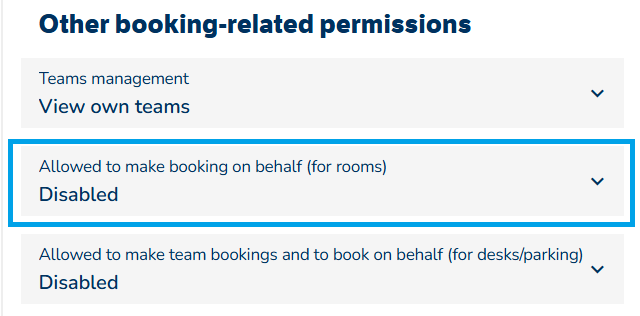
- Make sure you save the changes at the top of the page. If you have multiple roles, carry out the above for the relevant role(s).
- Using the 4 squares in the top right, head to the Admin Centre.
- The user(s) account(s) will need to have the above role enabled for their account.
- Select the user.
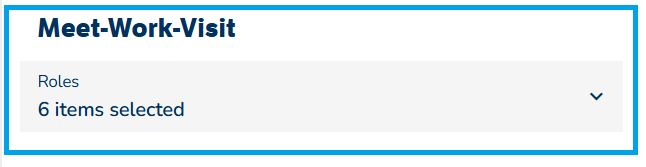
- Scoll down to Meet-Work-Visit and then Roles. On the drop-down, ensure the role(s) you updated above are selected for the relevant user(s).
- Now that the role(s) has been updated, we can book the room on behalf of a colleague. The example below shows that I booked a meeting room for my colleague Alex.
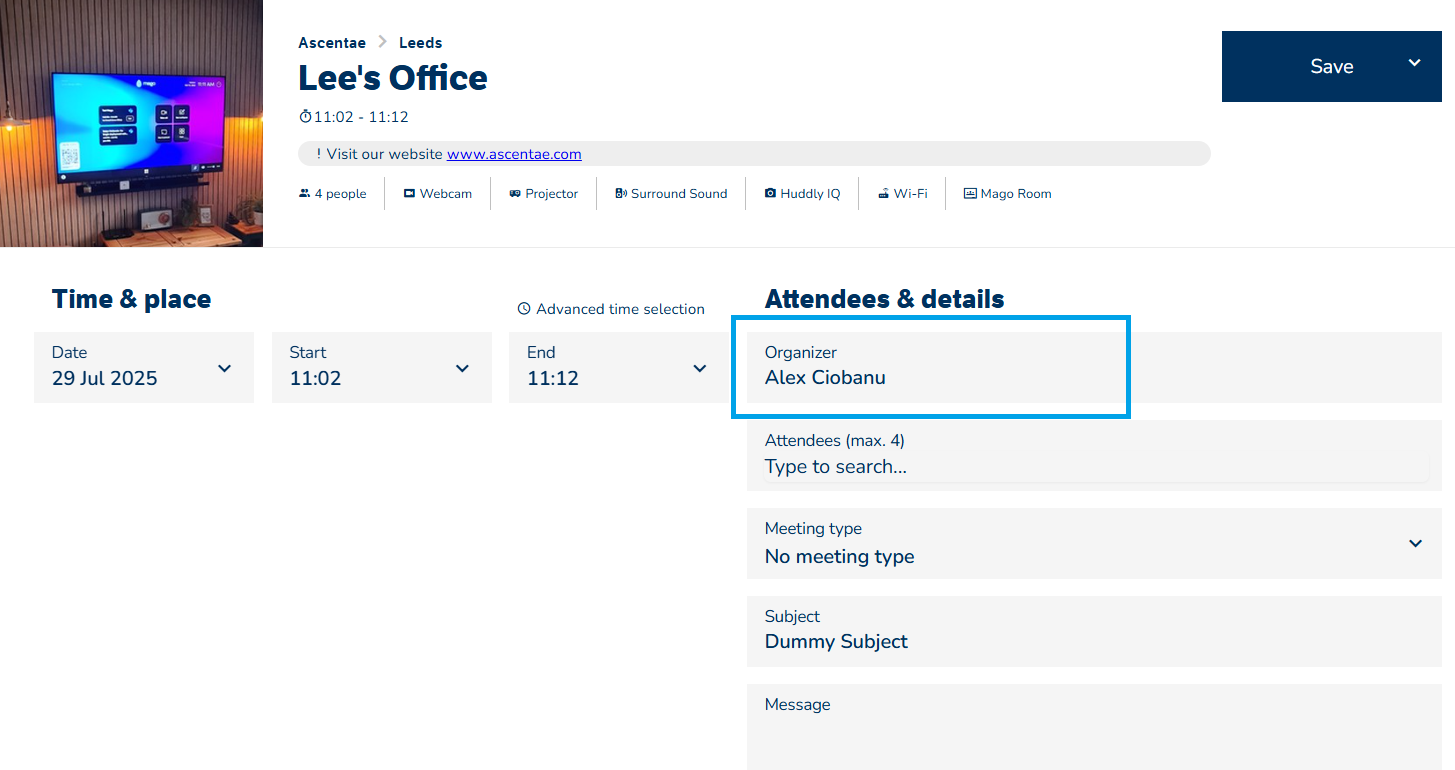
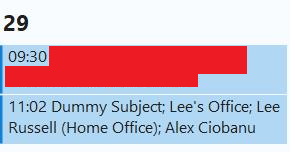
- This is then put in Alex's calendar with the above information.