
By default NFC is not enabled on either the RoomPanel or RoomPanel Plus.
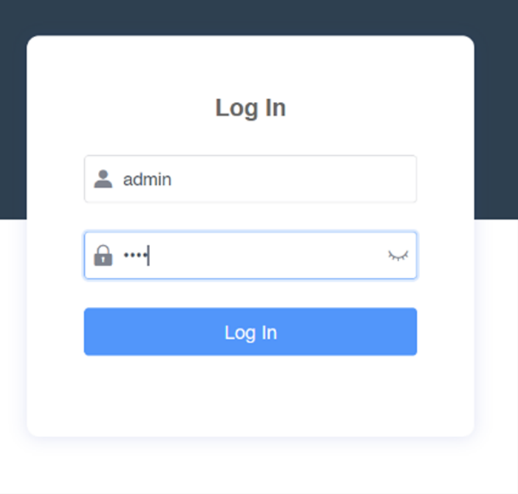
Open a browser and load up https://IP_Address of the panel.
User: admin
Password: 0000
Go to System > Device Manage
Enter this code in the ‘Server URL’ field:
M7:nfc.enable=1Select ‘Auto provision’
Press ‘Confirm’ to save the changes.