
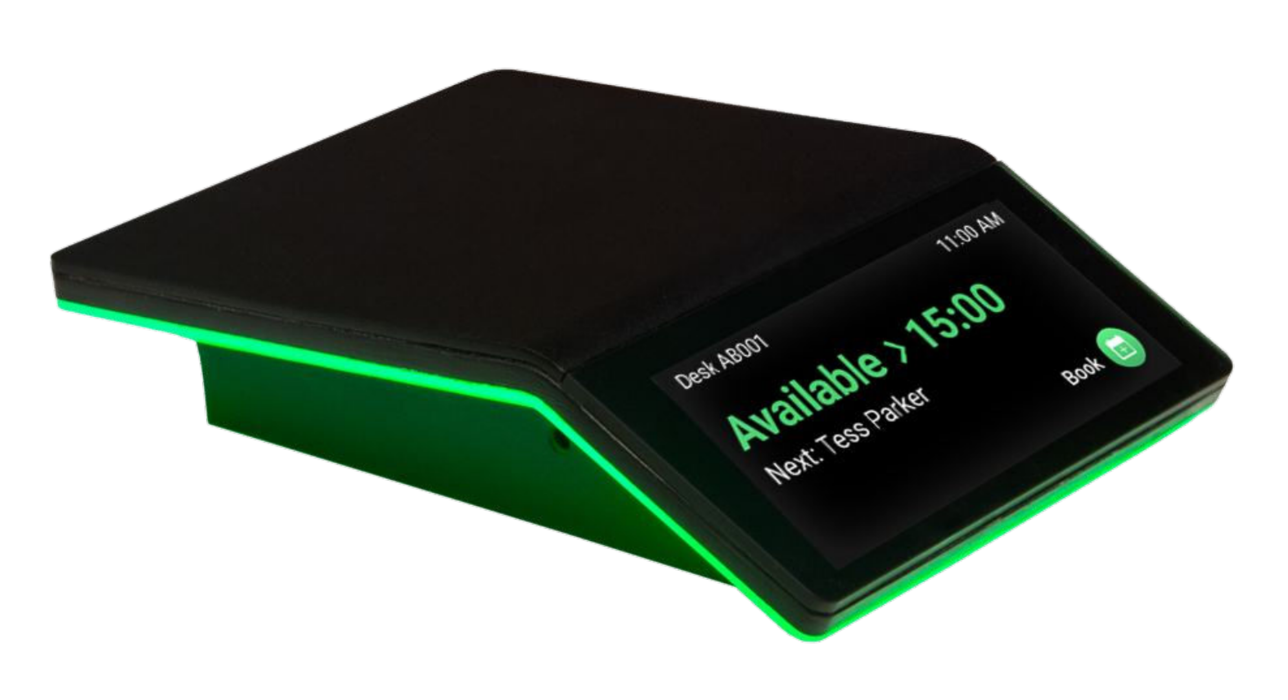
 GoBright is always deploying updates to their Interact hardware to improve its performance for the office workspace.
Interacts can be used across your estate for both desk and room booking solutions.
Height Adjustable Desks
Height adjustable desks are common in the modern workplace, giving employees the option to sit / stand to work.
The current supported actuators are:
- Linak
- LogicData (DM)
- LogicData (CB)
- Jiecang
- OMT
Lets look at the steps to get up and running.
1) The profile for your Interact needs to be enabled for height adjustability. On your GoBright portal, head to Settings > Devices and select Profiles on the left-hand menu
2) If there isn't a profile already set up for Interacts, add a new one.
3) Give the profile an appropriate name and change the Type to Interact from the drop-down
4) Under the Device section, select the relevant requirement from the 3 options. Once you are happy with all the information, hit save
5) Select Interacts on the left-hand menu and select the relevant Interact to update. Under the Setup Settings you will find a Desk Actuator field. Update this to the actuator the desk uses, e.g. Linak. Complete all other relevant fields on this page according to the installation requirement (e.g. fixed on a desk, fixed under a desk)
You may need to manually reboot the Interact for the changes to kick-in.